终端使用git 命令中文显示异常
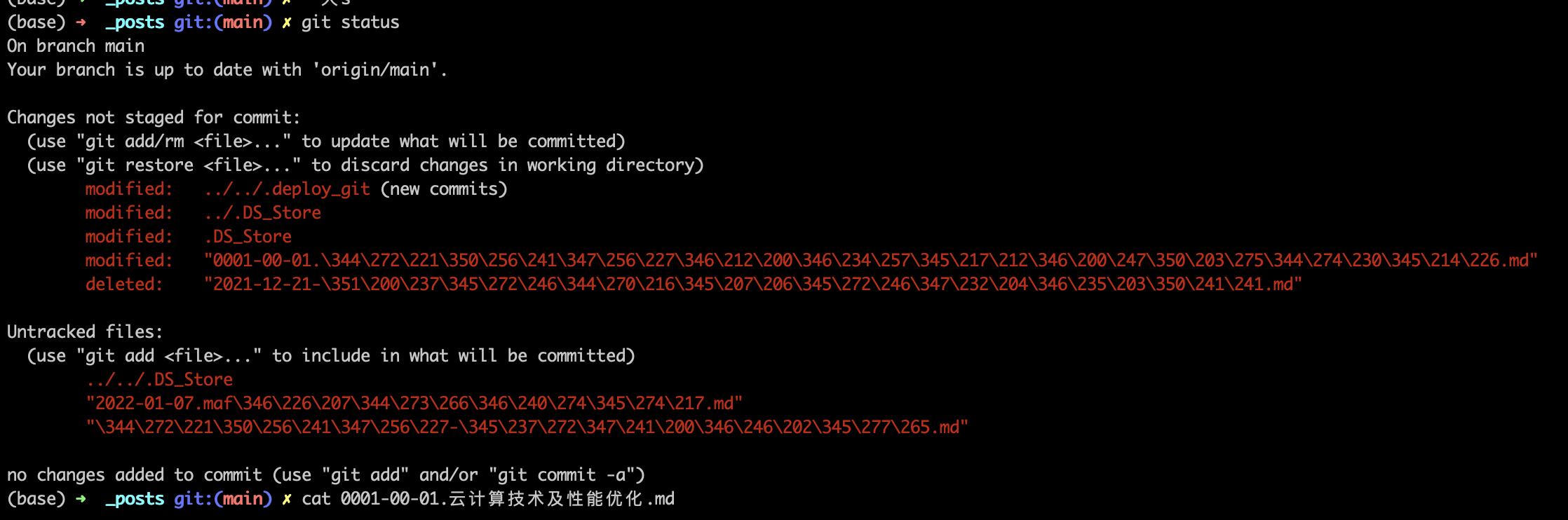
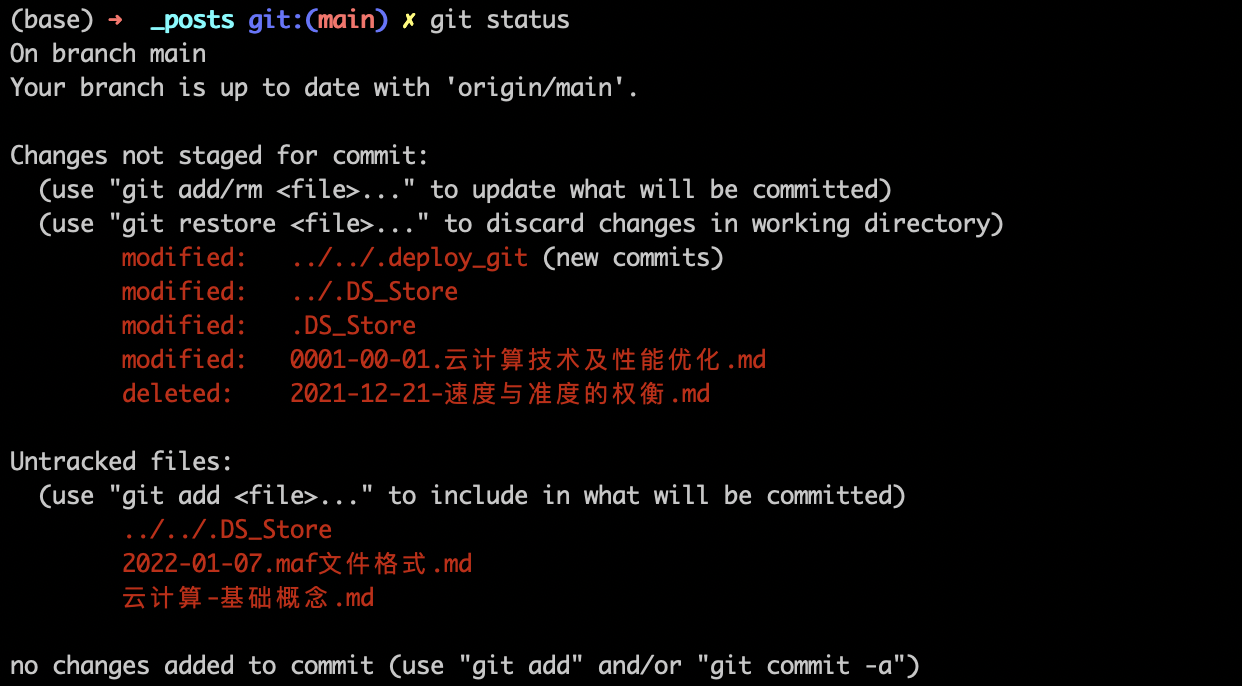
执行如下配置git config配置,可以正常显示中文
1 | git config --global core.quotepath false |
CAfile &Capath none
报错内容
1 | server certificate verification failed. |
这种情况一般使用ssh:链接可以同步,但是不能正常使用https ;
可以通过取消验证解决该问题
1 | git config --global http.sslverify false |
远程仓库指向错误
1 | liubo4@BCNTJOA14002B MINGW64 /d/Git_Repo |
http://git.bgi.com 的实际ip是 10.17.1.2, 但是在链接时,访问的ip却是 127.0.0.1
需要确认两个地方:
确认host是否设置了代理
host文件 C:\Windows\System32\drivers\etc\hosts 是配置网站代理ip的文件。如果对网站进行了ip的代理,在访问相关域名时,会跳转到指定的ip上。示例如下,如果有gitlab的重定向,需要删除相关重定向,或将ip改为正确的ip地址。
1 | 172.25.13.98 host.docker.internal |
确认gitconfig
~/.gitconfig 文件会有git仓库的相关配置信息。